Find the recipe behind your GR photos.
Pick any photo on your iPhone or iPad that was imported from a GR series camera and you'll be able to see its Image Control, tone adjustments, white balance, exposure, ISO, and focal length.
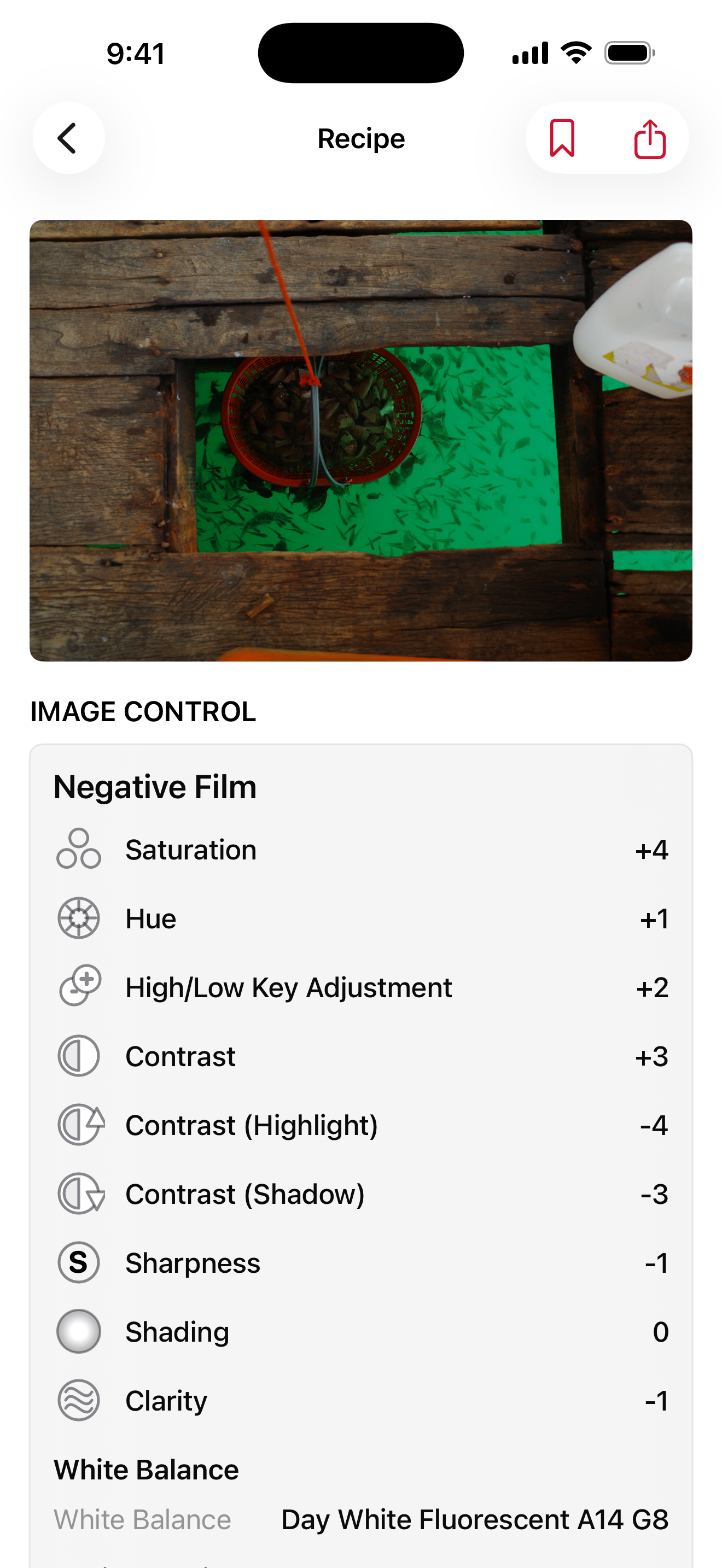
Find recipes across your library.
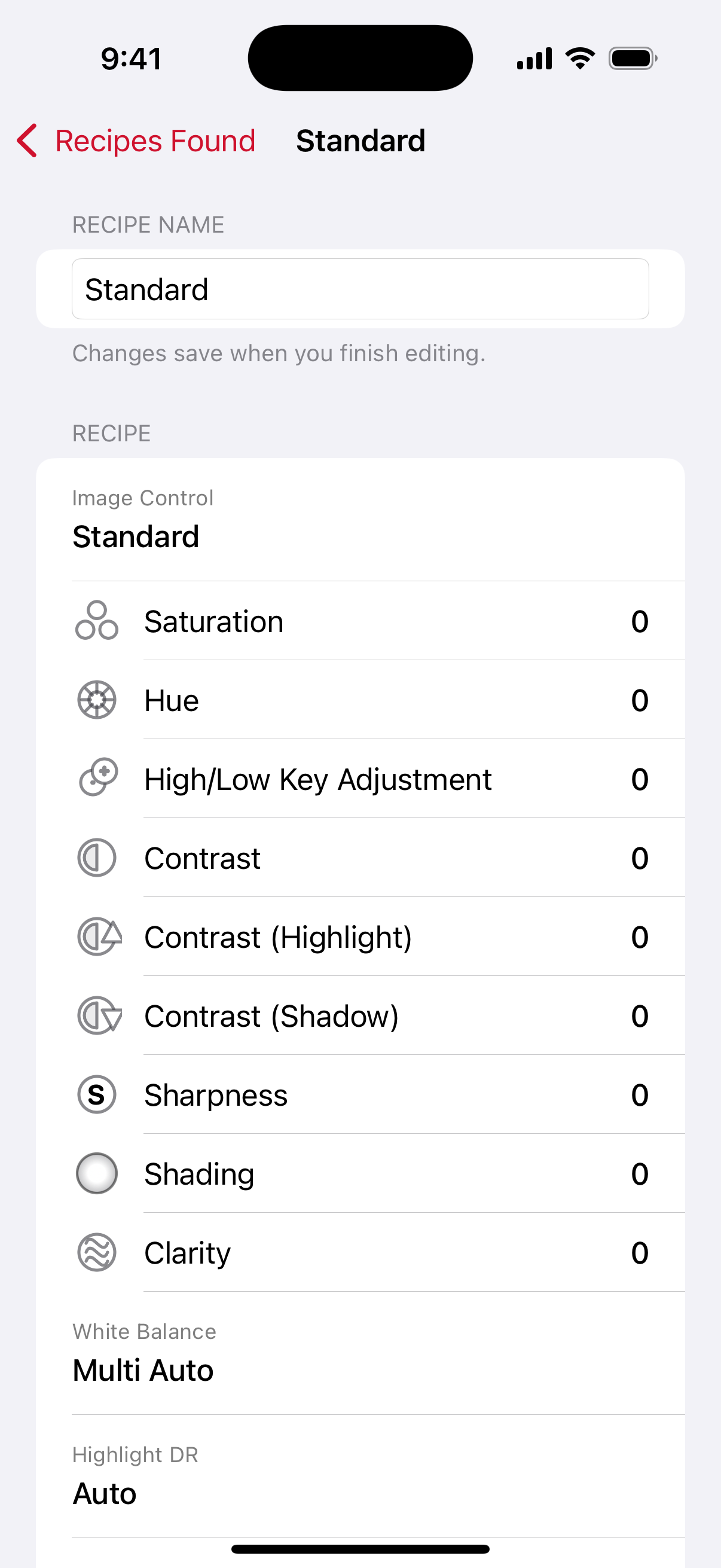
Scan your full library, a photo collection, or a single photo. Photos that share the same Image Control, tone adjustments, and white balance are automatically grouped. Sort and name each group for easier organization.
Shoot a favorite recipe again.
Bookmark your preferred recipes so you can easily load your favorite settings. Recapture your best photos' feeling.
Your photos and data never leave your device.
No account needed. Scanning reads your photo's metadata and keeps it on your device.
Privacy policy